

Protection from online threats is crucial in today’s digital landscape. With cybercriminals growing more sophisticated, it’s vital that you understand the common risks and how to mitigate them. This guide will equip you with practical tips to enhance your online security, ensuring your data, privacy, and digital assets remain safeguarded. Stay vigilant and empower yourself with the knowledge to navigate the internet securely. Let’s look into effective strategies to help you stay protected in the ever-evolving world of cybersecurity.
Understanding Cybersecurity Threats
The digital landscape is rife with cybersecurity threats that can compromise your personal information and online safety. A comprehensive understanding of these threats will enable you to navigate the internet securely and make informed decisions about your online activities.
Common Types of Cyber Threats
The most common cyber threats you may encounter include:
- Malware
- Phishing
- Ransomware
- Data Breaches
- Denial of Service Attacks
Perceiving these threats is the first step in safeguarding your digital life.
Some common cybersecurity threats can be categorized into the following types:
| Type | Description |
| Malware | Software designed to disrupt, damage, or gain unauthorized access to your systems. |
| Phishing | Fraudulent attempts to obtain sensitive information by disguising as a trustworthy entity. |
| Ransomware | Malware that encrypts your files and demands a ransom for their release. |
| Data Breaches | Unauthorized access to confidential data, often affecting millions of users. |
| Denial of Service | An attack that disrupts your access to a service or website. |
Recognizing Vulnerabilities
While navigating the digital world, it’s vital to recognize vulnerabilities inherent in your devices and online behavior.
Plus, being aware of potential vulnerabilities allows you to implement safeguards effectively. These may include keeping your software updated, using strong, unique passwords, and being cautious with the links you click or the files you download. Always analyze your online habits; recognizing and addressing areas where you might be exposed will significantly enhance your cybersecurity posture.

How to Stay Protected Online
It’s imperative to adopt best practices for online safety to safeguard your personal information and digital presence. By implementing robust security measures, you can significantly reduce the risk of falling victim to cyber threats.
Implementing Strong Passwords
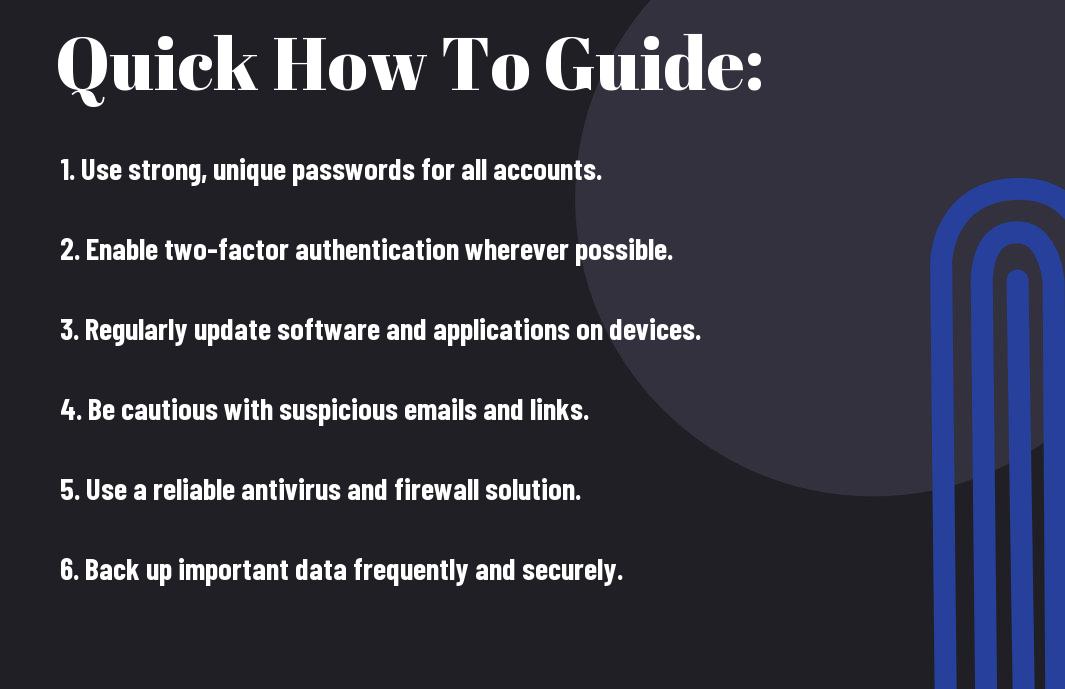
Stay vigilant in creating strong passwords that are difficult to guess. Use a combination of upper and lowercase letters, numbers, and special characters. Avoid using easily accessible personal information and consider utilizing a password manager to keep your passwords secure and organized.
Regular Software Updates
Regularly update your software to ensure that you have the latest security patches installed. This practice helps protect your devices from vulnerabilities that hackers can exploit. Outdated software can leave gaps in your defense, so make it a habit to check for and apply updates as they become available.
Plus, setting your devices to automatically update can save you the hassle of manually checking for new versions. This ensures that you are consistently protected against emerging threats, as software developers frequently release updates that address newly discovered security holes. Staying ahead of these vulnerabilities can greatly enhance your online safety.
Tips for Safe Browsing
To ensure you are safe while browsing the internet, follow these necessary tips:
- Use strong, unique passwords for each account.
- Keep your software and browser updated.
- Enable two-factor authentication whenever possible.
- Browse only on secure websites (look for HTTPS).
- Be cautious of public Wi-Fi; use a VPN if necessary.
After implementing these practices, you’ll significantly reduce your risk while online.
Secure Browsing Practices
Browsing safely means adopting habits that protect your personal information. Always verify the website’s URL before entering sensitive data, and avoid clicking on unknown links or ads. Be mindful of cookies and tracking technologies, which may compromise your privacy. Utilizing a reputable antivirus software can also provide an additional layer of security to your browsing experience.
Identifying Phishing Attempts
Any unexpected email or message that requests personal information should be carefully scrutinized. Look for discrepancies in the sender’s address, grammar issues, or generic greetings. Phishing attempts often create a sense of urgency, compelling you to act quickly, which could lead to inadvertent sharing of sensitive data.
To identify phishing attempts effectively, trust your instincts when something feels off. Always hover over links to see the actual URL before clicking. Legitimate organizations will never ask for sensitive information through unsecured channels. By keeping an eye out for these red flags and verifying the source, you can better protect yourself from falling victim to such scams.

Factors to Consider for Enhanced Security
Not all security measures are created equal. To improve your online protection, consider the following factors:
- Regularly update software and devices
- Utilize strong, unique passwords
- Be aware of phishing attempts
- Limit personal information shared online
- Monitor your accounts for unusual activity
Any proactive approach will significantly enhance your security online.
Importance of Two-Factor Authentication
There’s no doubt that two-factor authentication (2FA) adds an vital layer of security to your online accounts. By requiring a second form of verification, such as a text message code or authentication app, you make it more challenging for cybercriminals to access your sensitive information. Always enable 2FA wherever it’s offered to safeguard your data better.
Using Antivirus Software Effectively
Software plays a vital role in your cybersecurity framework. Selecting reliable antivirus software can help you detect and eliminate malware, but it’s vital to use it correctly. Make sure to keep it updated and run regular scans to ensure comprehensive protection against emerging threats.
Authentication processes are not limited to just antivirus software; they should extend to your entire digital footprint. After installing antivirus software, you should configure it for real-time protection and periodic scans. Additionally, make use of the firewall feature to block unauthorized access to your network. Regularly check for updates to both definitions and software, which can enhance your defense against the latest online threats.
Best Practices for Personal Devices
After implementing robust security measures on your personal devices, you can significantly reduce your risk of cyber threats. It’s important to keep your software and operating systems updated, use strong, unique passwords, and enable multi-factor authentication whenever possible. Regularly backing up your data ensures you’re prepared for any potential data loss due to breaches or malware. In addition, utilize reputable antivirus and anti-malware tools to keep your devices secure.
Mobile Device Security Tips
Best practices for mobile device security involve taking proactive steps to safeguard your information. Always use a passcode or biometric lock to access your phone. Keep your apps updated and only download from trusted sources.
- Enable encryption on your mobile device.
- Turn off Bluetooth when not in use.
- Avoid public Wi-Fi for sensitive transactions.
- Monitor app permissions closely.
Perceiving your mobile device as a vulnerable entry point can motivate you to enhance your security measures.
Safe Wi-Fi Usage Strategies
The way you handle Wi-Fi connections can greatly affect your online security. Always connect to secure networks and avoid using public Wi-Fi for sensitive activities. Utilize a Virtual Private Network (VPN) to encrypt your internet traffic on unsecured networks.
Practices like changing the default router passwords and disabling remote management features on your home Wi-Fi router can greatly bolster your security. When using public Wi-Fi, be mindful of the data you access and the information you share. Opt for secure connections (HTTPS) and avoid entering personal or financial data. Taking these precautions will help you maintain a safer online presence.

Educating Yourself and Others
Once again, staying informed about cybersecurity is key to safeguarding your online presence. By educating yourself about various threats and preventive measures, you not only enhance your protection but also empower those around you. Sharing knowledge helps create a more secure environment for everyone, whether at home or in the workplace.
Staying Informed About Threats
Even the most proactive individuals can fall victim to rapidly evolving cyber threats. Staying informed through reliable sources such as cybersecurity blogs, newsletters, and community forums enables you to identify emerging risks and adapt your security practices accordingly. Engage with updates regularly to keep your defenses strong.
Sharing Knowledge with Peers
With your growing understanding of cybersecurity risks, it’s important to spread that knowledge to your peers. Engaging in discussions about safe online practices can inspire others to prioritize their digital security, creating a culture of awareness and collective responsibility.
Educating those around you not only reinforces your own learning but also builds a community of informed individuals who can support one another in addressing cybersecurity threats. Host workshops, share articles, or even start a group chat dedicated to discussing online safety strategies. Each conversation can lead to a more secure digital landscape for you and your network.
Summing up
Hence, by adopting robust cybersecurity measures, you can effectively safeguard your online presence. Regularly updating your software, using strong, unique passwords, and employing reliable security tools can significantly reduce your risk of falling victim to cyber threats. Additionally, staying informed about the latest threats and practicing safe browsing habits can enhance your overall security. Taking these proactive steps will empower you to navigate the digital landscape more safely and confidently.